ABL | eM4 - Configuration for ChargePilot from v2.4p1 on

Modified on Fri, 20 Mar at 5:41 AM

Before starting the configuration, please check the charger firmware version complies with the latest compatible firmware version.


Connection to the charger

Local connection

Connect to the charger web interface

  1. Direct connection to the charger

    1. For the first time login, or the station has a static IP-address, connect your laptop directly with the charger (stand-alone)

    2. Change the IP-address of your laptop’s Ethernet port to the same IP range

    3. Open your web browser and type in the default IP-address <ip> or the configured charger IP-address

  2. Indirect connection to the charger via a DHCP server

    1. Connect your Ethernet cable to the router which is also connected to the charger and the DHCP server

    2. Open your web browser and type in the charger IP-address

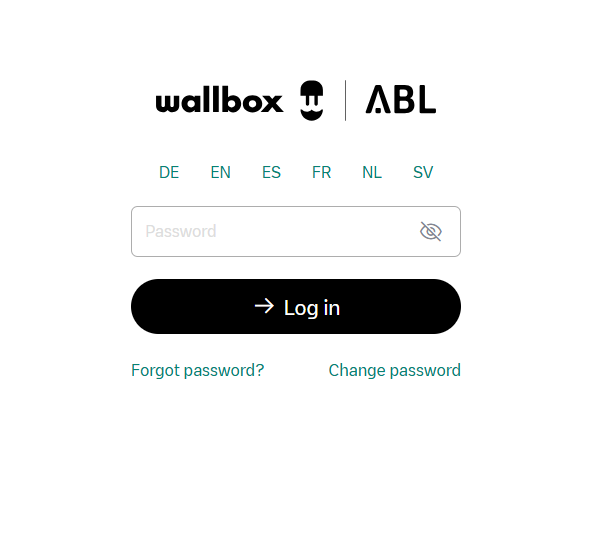
Login Data:
PW: <aquired from the vendor or customer>


OCPP settings

Backend

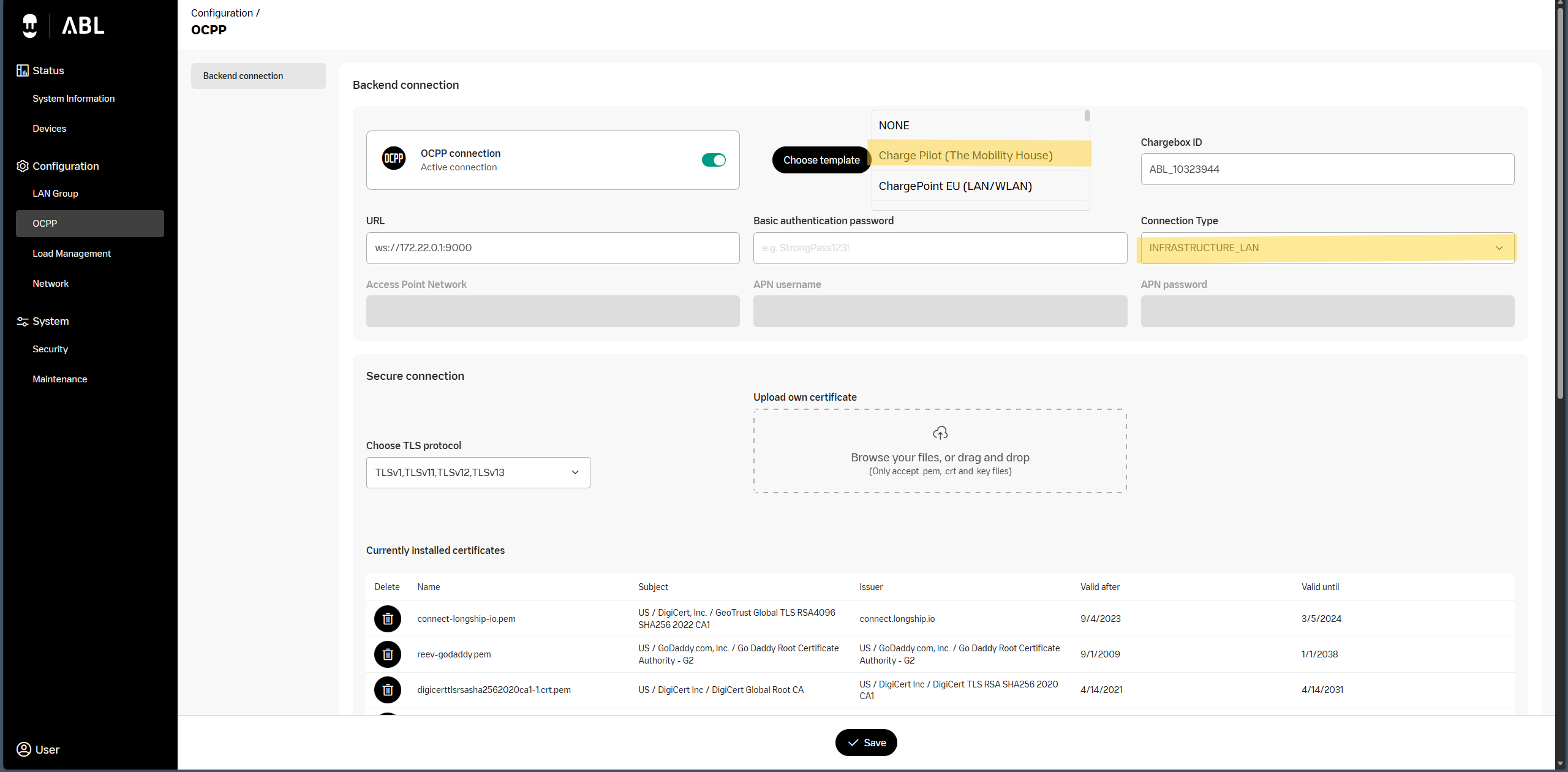
Navigate to the Configuration → OCPP tab

  • OCPP connection: active

  • Connection type: INFRASTRUCTURE_LAN

  • Choose the template for the OCPP Backend URL: Charge Pilot (The Mobility House)

    • This contains the URL ws://172.22.0.1:9000

ChargeBox ID

  • Serial number of the charger by default or according to the installation protocol

Was this article helpful?

That’s Great!

Thank you for your feedback

Sorry! We couldn't be helpful

Thank you for your feedback

Let us know how can we improve this article!

Select at least one of the reasons

Feedback sent

We appreciate your effort and will try to fix the article